
Follow all of Loyoly’s product updates and be the first to discover the future of customer-led growth.
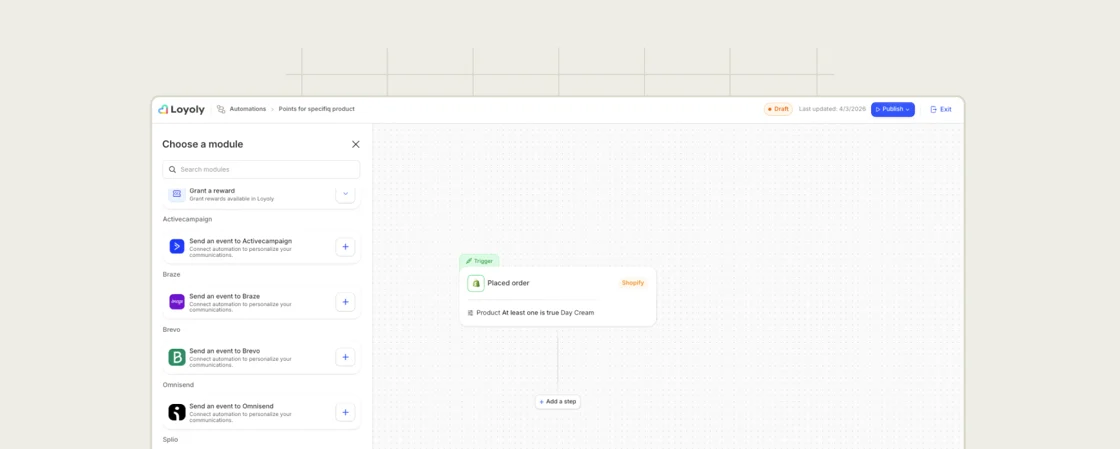
The "Send an event to Klaviyo" action now extends to all your connected CRMs.
Until now, only Klaviyo could receive events from your Automation scenarios. Now, each CRM active on your account (Brevo, Klaviyo...) automatically has its own"Send an event" action.
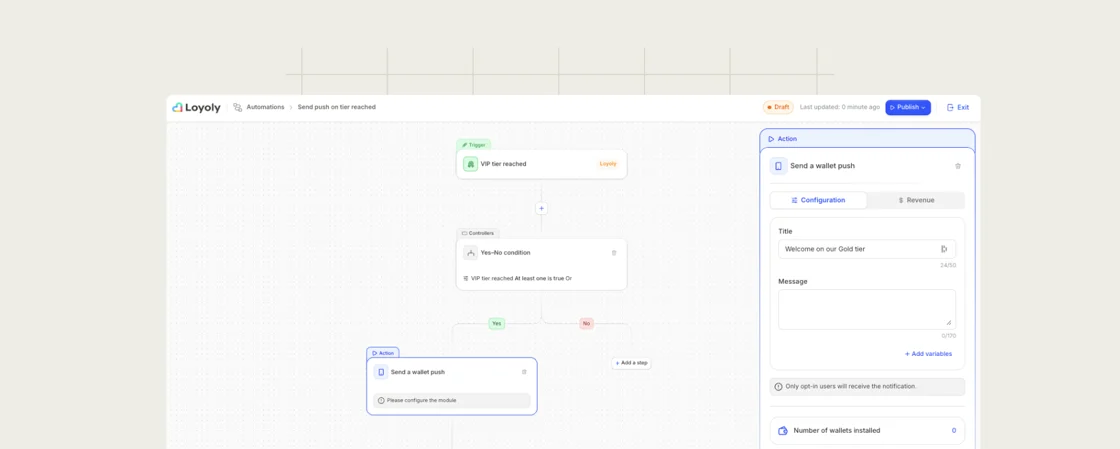
This new "VIP tier reached" Automation trigger enables you to launch a scenario when a customer progresses through your VIP program.
For example, you can:
The trigger is configurable: a specific tier, any tier, or all tiers except one.

Now, Loyoly imports and synchronizes all your active stores directly from Shopify PoS.
The synchronized data (name, address, contact details) can be used directly for your geolocation Wallet campaigns and in-store analyses.
And any subsequent changes in Shopify (additions, modifications, deletions) are automatically reflected in Loyoly.
.png)
Loyoly also integrates with ActiveCampaign.
You can now manage your loyalty program emails directly from your CRM.
This integration enables you to:
.png)
Loyoly also integrates with Omnisend.
You can now manage your loyalty program emails directly from your CRM.
This integration enables you to:
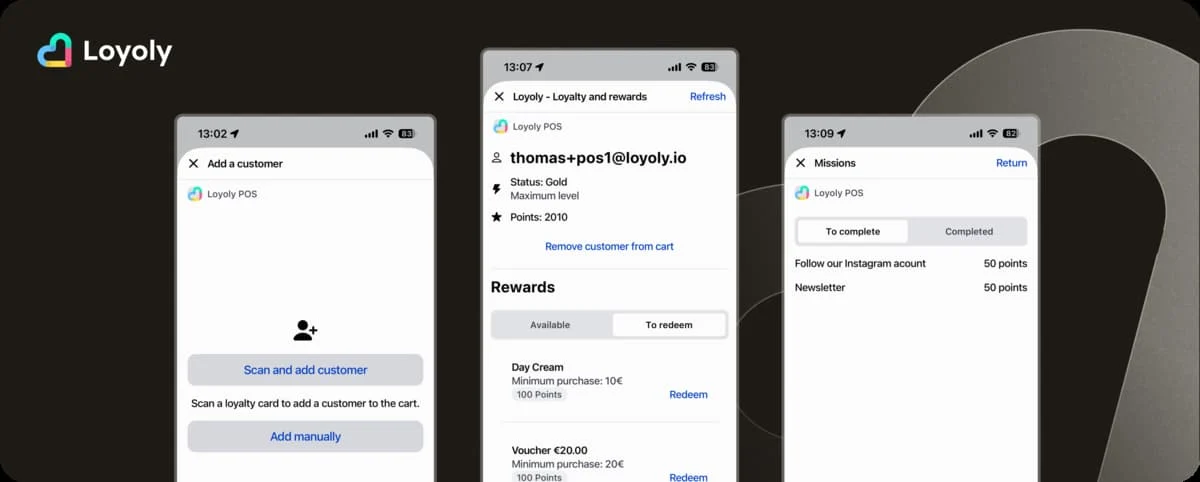
This new version of the Loyoly app on Shopify PoS is designed to empower your in-store teams and enhance the customer experience at checkout.
Here are the main changes:
1. Easier identification: The app supports the device's camera as well as physical barcode readers for loyalty card scanning.
2. Enhanced profile: Your teams can access an enhanced view of their profile (email, name, VIP tier, points balance...)
3. More context: The extension clarify the client's situation (reward expiration dates, completed and available missions...)
4. Manual points adjustment: To manage exceptional situations (sales gesture, claim...), your teams can now add or withdraw points. All directly from the POS.
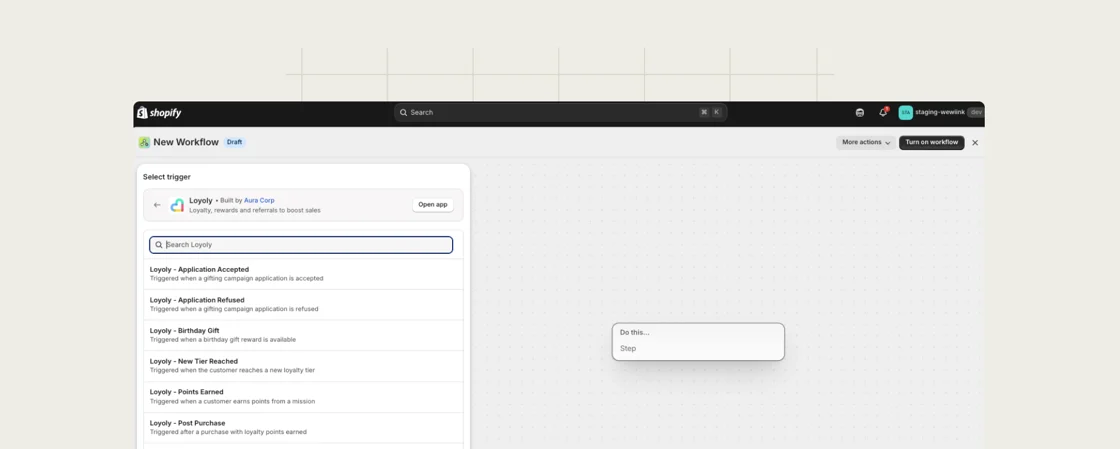
Every key action in your program (points earned, mission completed, VIP tier, referral validated...) can now trigger a native workflow in Shopify Flow.
Tags, emails, internal notifications, metafields, promo codes... everything Shopify Flow offers becomes accessible from your loyalty data.
And no additional configuration is required. The integration works as soon as the Loyoly app is connected to Shopify.
The new_tier_reached event (and the Loyoly email) now include for each reward: its name, its code and the minimum purchase amount, if any.
This means your customers can use their rewards immediately, without having to log in to their space.
.webp)
Your support teams could already consult a customer's loyalty data (points balance, VIP tier, rewards, referrals...) directly from Gorgias.
Now, they can also add or withdraw points with a single click, without switching to the Loyoly back-office.
If necessary, follow this guide:
.webp)
Loyoly now connects to Fastmag
The aim: to offer a seamless loyalty experience between your site and your stores.
Your customers can now :